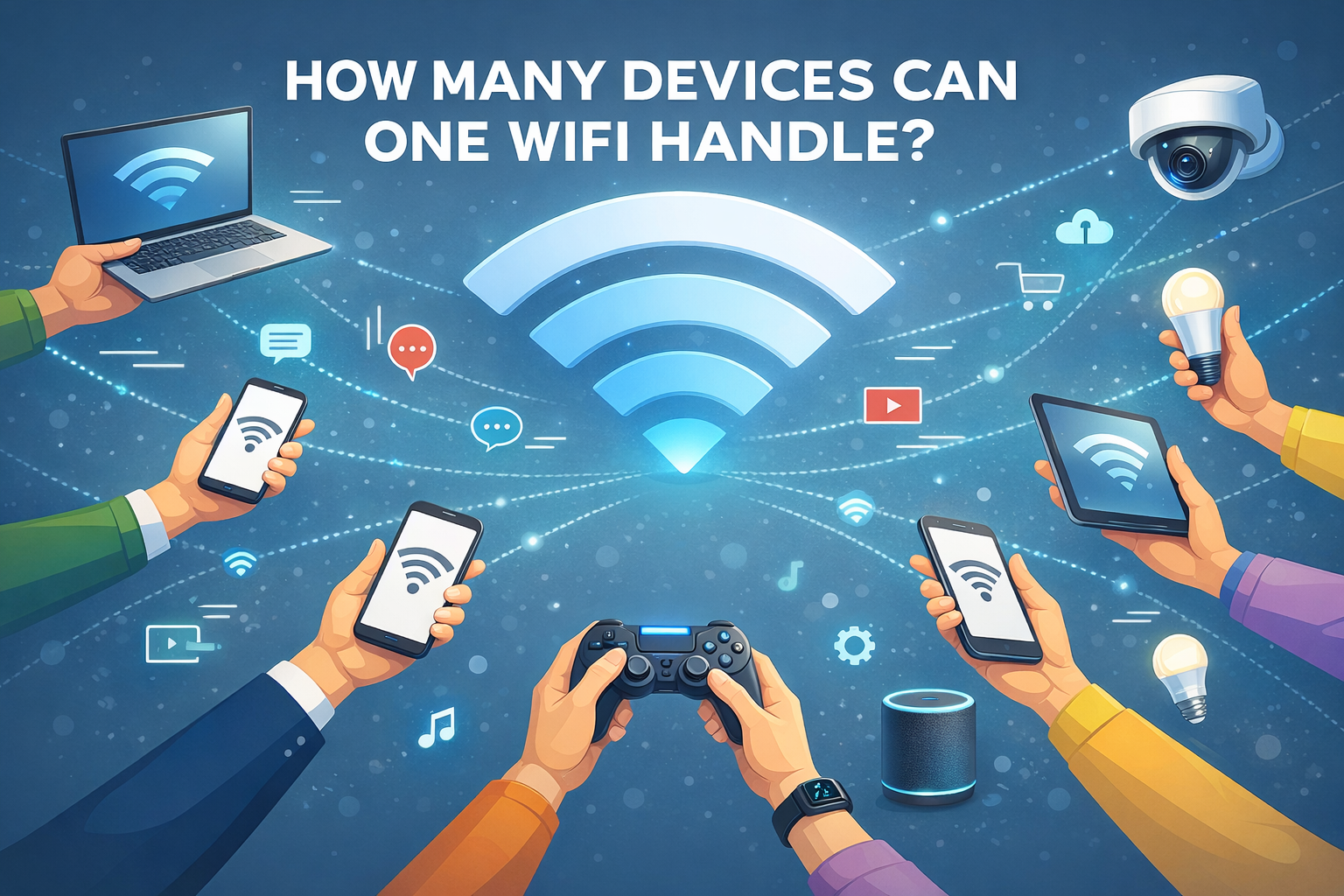
You connect your phone, laptop, TV, smart speaker, CCTV camera, and suddenly the internet starts feeling slow.
Sound familiar?
One of the most common questions people ask is, “How many devices can one WiFi actually handle?” The answer is not as simple as one fixed number. It depends on your internet speed, router quality, and how those devices are being used.
If you are using internet at home or in an office in Bhubaneswar, understanding WiFi capacity can help you avoid buffering, lag, and unnecessary frustration.
WiFi Does Not Slow Down Just Because More Devices Connect
A common myth is that WiFi automatically becomes slow when many devices are connected. In reality, WiFi slows down because of how much data those devices are using.
For example:
- A phone checking WhatsApp uses very little bandwidth
- A laptop on a Zoom call uses moderate bandwidth
- A smart TV streaming Netflix in 4K uses heavy bandwidth
So instead of asking how many devices are connected, the better question is what those devices are doing at the same time.
Average Number of Devices in a Modern Home
Most households today have more connected devices than they realize. A typical home setup often includes:
- 2 to 4 smartphones
- 1 to 2 laptops
- 1 smart TV
- 1 WiFi CCTV or door camera
- Smart speakers or lights
That already adds up to around 7 to 10 devices in a standard household.
How Many Devices Can Different Internet Speeds Handle?
Here is a practical breakdown of what various internet speeds can support under normal usage conditions:
| Internet Speed | Recommended Devices | Best For |
|---|---|---|
| 30 Mbps | 5 to 7 devices | Small families, browsing, YouTube, social media |
| 50 Mbps | 8 to 12 devices | Online classes, HD streaming, work from home |
| 100 Mbps | 15 to 25 devices | Gaming, 4K streaming, multiple video calls |
| 200 Mbps+ | 30+ devices | Offices, creators, smart homes, heavy usage |
This is one reason why fiber broadband in Bhubaneswar has become increasingly important for modern households and businesses.
Router Quality Matters More Than Most People Think
Many users assume slow internet means the provider is the issue. But in many cases, the router is actually the weak point.
Basic or Older Routers Often:
- Support fewer simultaneous devices
- Struggle when multiple users stream or game
- Drop signals under heavy load
Modern Dual Band or WiFi 6 Routers Offer:
- Better support for many devices
- Improved range across rooms
- More stable performance under load
Even if you have a high-speed plan, a poor router can still make your internet feel slow.
Which Activities Use the Most Bandwidth?
Not all online activity consumes the same amount of data. Some tasks place much more load on your network than others.
High Bandwidth Activities
- 4K video streaming
- Online gaming
- Zoom or Google Meet calls
- Cloud storage backups
Low Bandwidth Activities
- WhatsApp and messaging apps
- Web browsing
- Music streaming
- Smart home automation devices
If multiple people are doing high-bandwidth tasks at once, your WiFi can slow down quickly even with fewer connected devices.
Home WiFi vs Office WiFi Requirements
The ideal setup for home and office use can be quite different.
| Environment | Typical Usage | Recommended Setup |
|---|---|---|
| Home | Entertainment, casual browsing, streaming | 100 Mbps fiber is often enough |
| Office | Video calls, cloud apps, multiple users | 200 Mbps+ with stronger router |
This is why many businesses in Bhubaneswar choose scalable fiber plans from a reliable Odisha internet provider to support team productivity.
Why Fiber Broadband Handles More Devices Better
Fiber broadband is not only faster, it is also more consistent under load.
Benefits of fiber broadband include:
- Better speed stability throughout the day
- Lower latency for gaming and calls
- Stronger performance during peak hours
- Better support for multiple active users
For homes and offices with many connected devices, fiber offers a smoother experience than traditional broadband technologies.
Signs Your WiFi May Be Overloaded
Here are common signs that your current setup may be stretched beyond its capacity:
- Videos buffer frequently
- Internet slows significantly in the evening
- Video calls freeze or disconnect
- Speed drops when multiple users go online
If you experience these regularly, your internet plan, router, or both may need an upgrade.
So, How Many Devices Can One WiFi Really Handle?
There is no universal number because every setup is different. But a simple general guideline is:
- Light usage household: 5 to 7 devices
- Average family home: 10 to 15 devices
- Smart homes or offices: 20 to 30+ devices
The key is not just having more speed. It is having the right speed, the right router, and the right setup.
Upgrade to Better WiFi With JetSpot
If your current connection struggles every time multiple devices connect, it may be time for a better setup.
JetSpot provides reliable fiber broadband in Bhubaneswar for homes and offices that need strong, stable performance across multiple devices. With fast speeds, low latency, and dependable support, you get internet built for modern connected lifestyles.
Contact JetSpot today to upgrade your Bhubaneswar internet and enjoy smooth connectivity from a trusted Odisha internet provider.
Looking for New Connection?
Call us today at 8690-330-330
We will respond as soon as possible