
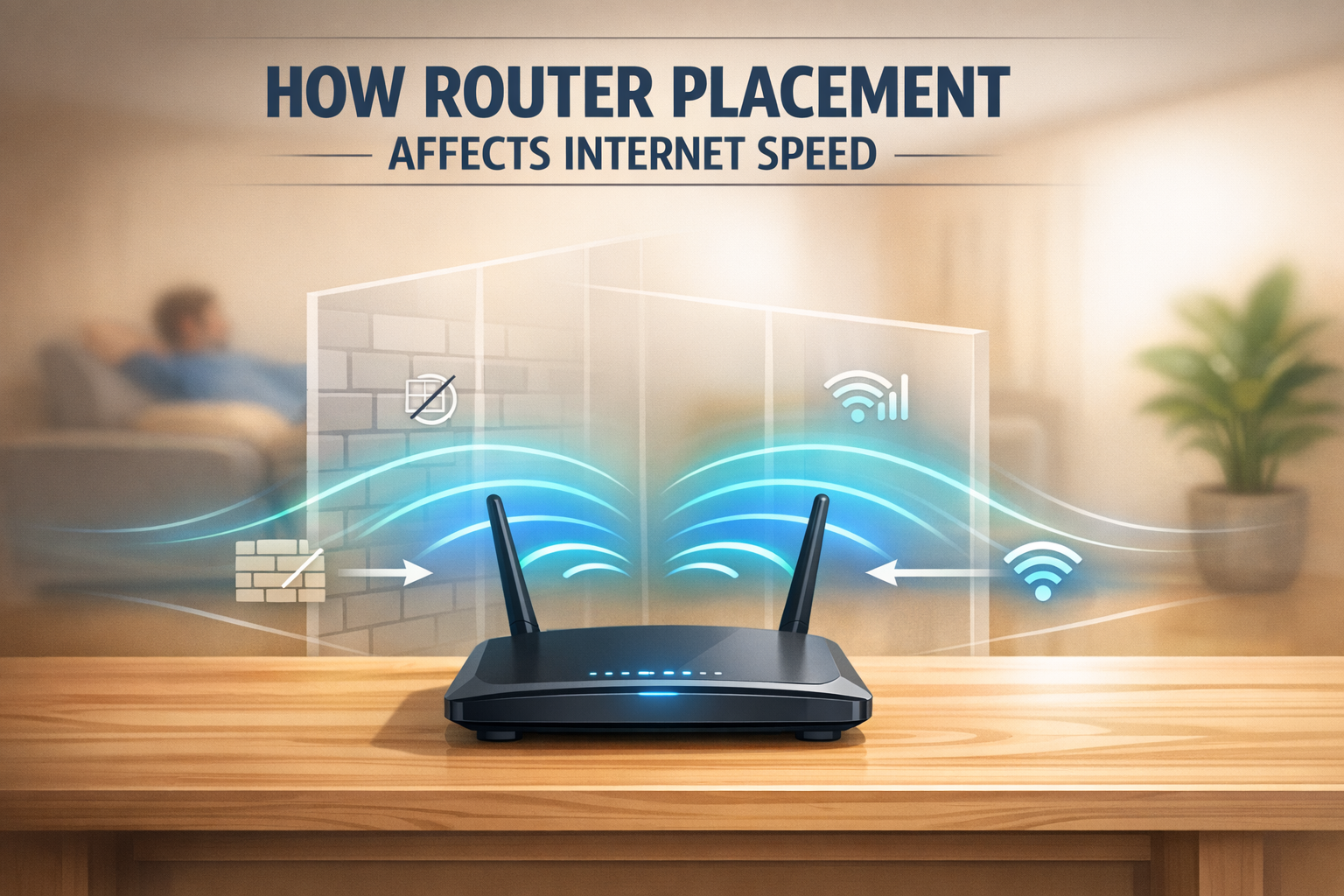
Many users upgrade to high-speed broadband expecting their internet problems to disappear immediately. They choose a better plan, restart the router, and assume everything should now work perfectly. Yet despite having fiber broadband, buffering continues, meetings freeze, and games still lag.
In many cases, the issue is not the broadband plan itself but the placement of the WiFi router. Router placement is one of the most overlooked reasons behind poor internet performance at home and in offices. Even with a fast connection, poor positioning can reduce signal strength and make the internet feel slower than it actually is.
Why Router Placement Affects Internet Performance
A WiFi router sends wireless signals outward in every direction. These signals need a clear path to travel efficiently throughout your home or office. When the router is placed poorly, the signal becomes blocked, weakened, or unevenly distributed.
This can lead to:
- Reduced signal strength in certain rooms
- Dead zones where WiFi barely works
- Slower browsing and download speeds
- Buffering during streaming
- Unstable video calls and meetings
Many users assume their broadband provider is at fault, when in reality the router simply cannot deliver the signal effectively from its current position.
Common Router Placement Mistakes
Several common placement habits can reduce WiFi performance significantly without users realizing it.
Keeping the Router in a Corner
When a router is placed in the corner of a room or property, a large portion of its signal is wasted sending coverage into walls rather than usable living space. This reduces overall signal efficiency and creates uneven coverage.
Hiding It Inside Cabinets or Shelves
Enclosed spaces such as wooden cabinets, TV units, or storage shelves can block and weaken WiFi signals. The more barriers around the router, the harder it becomes for signals to travel freely.
Placing It Near Metal Objects
Large metal items such as refrigerators, shelves, or decorative fixtures can interfere with wireless signals by reflecting or distorting them. This may cause unstable speeds and inconsistent connectivity.
Keeping It Too Low
Routers placed directly on the floor often provide weaker coverage because WiFi signals spread outward and slightly downward. Lower placement reduces how effectively signals can travel through the room.
The Best Place to Position Your Router
Proper placement can dramatically improve signal coverage and performance without changing your internet plan.
Place It in a Central Location
The ideal position for a router is near the center of the home or office. This allows the signal to spread evenly in all directions and helps reduce weak coverage areas.
Keep It Elevated
Placing the router on a table, shelf, or wall mount improves signal reach and distribution. Higher positioning allows the WiFi signal to travel more effectively across the space.
Leave It in Open Space
Routers perform best when placed in clear, open areas without objects surrounding them. Avoid covering them with books, decorations, or storage items.
Keep It Away from Interference
Household electronics such as microwaves, cordless phones, and Bluetooth devices can interfere with WiFi signals. Keeping the router away from such devices helps maintain stronger connectivity.
Router Placement Can Affect Real Speed More Than You Expect
Many people do not realize that poor router placement can reduce the speed experienced by devices even when the broadband connection itself is fast.
For example, a home with a 200 Mbps broadband plan may only experience 50 to 80 Mbps in certain rooms if the router signal cannot reach properly. In these situations, the broadband speed is not the problem. The WiFi signal is simply too weak by the time it reaches the device.
Before upgrading to a higher-speed plan, improving router placement may solve the issue entirely.
Why Router Placement Matters for Offices Too
Router placement is just as important in office environments, if not more. In workplaces, poor WiFi coverage can impact multiple employees and disrupt productivity.
Bad placement can result in:
- Slow cloud software performance
- Lag during video conferences
- Delayed file transfers
- Interrupted online meetings
- Productivity loss across teams
A strong office internet setup requires both reliable broadband and proper internal network planning.
When Better Placement Is Not Enough
In some cases, placement alone cannot solve coverage issues, especially in larger homes or offices. Additional networking solutions may be required.
These include:
- Dual-band routers for improved signal flexibility
- WiFi extenders for boosting signal into weak areas
- Mesh WiFi systems for full property coverage
- Higher bandwidth plans for heavy usage households
Choosing the right setup depends on your space, device count, and internet usage requirements.
Optimize Your Internet Experience with JetSpot
If you are looking for reliable fiber broadband in Bhubaneswar, JetSpot offers high-speed internet solutions designed for homes and offices that demand strong performance and dependable coverage. Along with premium fiber broadband, JetSpot helps ensure proper installation and setup so users can get the best possible performance from their connection. Whether you need smooth streaming, stable remote work, or reliable gaming performance, JetSpot delivers broadband built for modern internet demands. Contact JetSpot today to upgrade your connectivity with high-speed fiber and expert support.