Weak WiFi signals are one of the most common frustrations for apartment residents. Many users upgrade their broadband plan, restart the router multiple times, and even assume the provider is at fault, only to continue facing poor connectivity in certain rooms.
In reality, weak WiFi inside apartments is often not caused by internet speed at all. The issue is usually related to signal strength, interference, and router placement. Understanding these factors can help improve coverage significantly without immediately changing your broadband plan.
Why WiFi Signals Often Struggle in Apartments
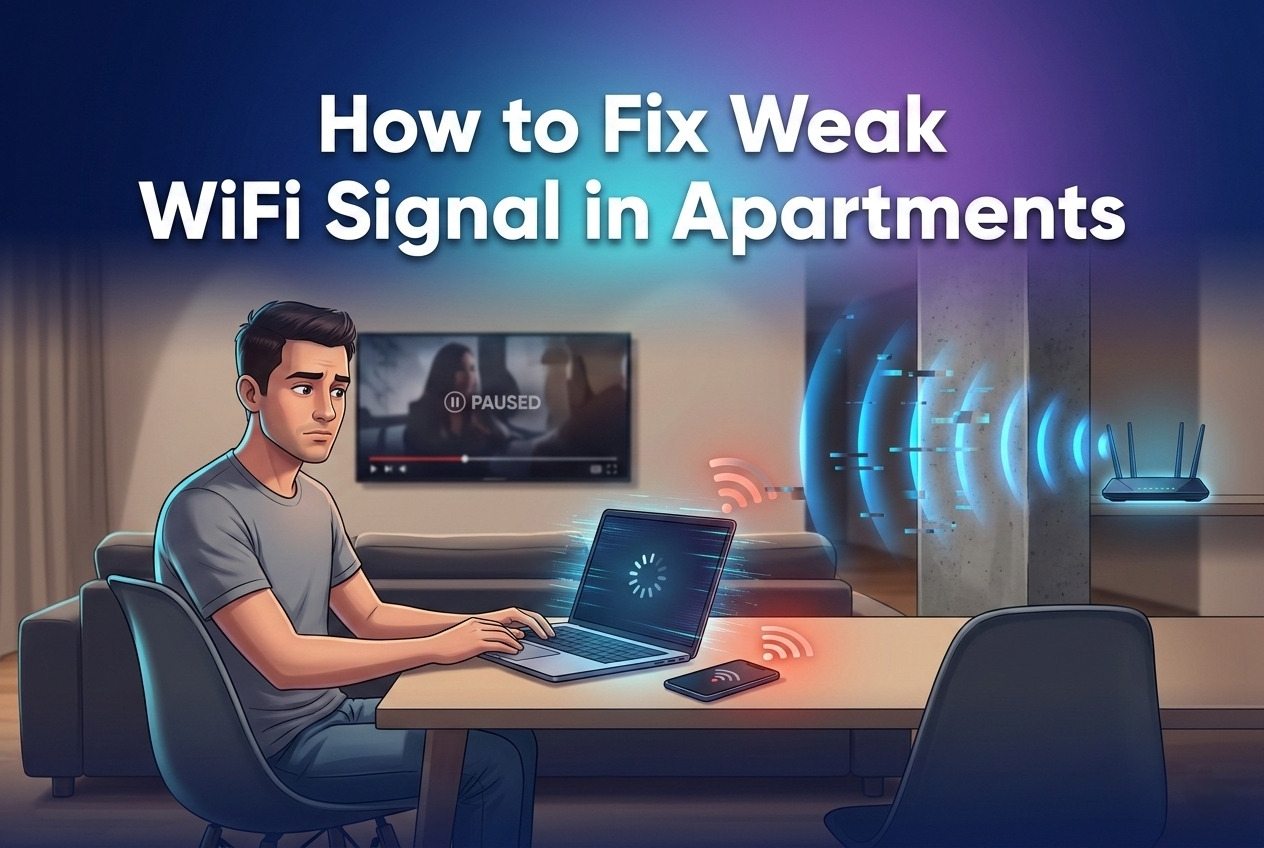
Apartments present unique challenges for wireless connectivity because of how buildings are designed and how closely units are packed together. Even with a strong internet connection, signal strength can weaken quickly inside apartment spaces.
Some of the most common reasons include:
- Thick concrete walls blocking wireless signals
- Multiple neighboring WiFi networks creating interference
- Poor router positioning inside the apartment
These environmental factors can reduce WiFi coverage even when the internet connection itself is performing well.
Position Your Router for Better Coverage
Router placement has a major impact on signal strength and overall coverage. In many homes, simply moving the router to a better location can noticeably improve WiFi performance.
For stronger coverage, place your router:
- Near the center of the apartment instead of in a corner
- On an elevated surface such as a table or wall shelf
- In an open space rather than inside cabinets or enclosed furniture
Avoid placing the router behind televisions, next to large appliances, or near metal objects, as these can interfere with signal transmission.
Use the Right WiFi Band for Each Situation
Most modern routers support both 2.4 GHz and 5 GHz WiFi bands. Each serves a different purpose, and using the correct band can improve connectivity depending on your location within the apartment.
Here is a quick comparison:
| WiFi Band | Best Use Case | Main Advantage |
|---|---|---|
| 2.4 GHz | Devices farther from router | Better range through walls |
| 5 GHz | Devices near router | Faster speed and lower interference |
If a bedroom or distant room has weak signal, switching that device to the 2.4 GHz band may improve stability because of its stronger range.
Reduce Interference by Changing WiFi Channels
Apartment buildings often have many WiFi networks operating close together. This creates signal congestion, especially when several routers use the same wireless channel.
Changing your WiFi channel to a less crowded option can reduce interference and improve stability. Many modern routers offer automatic channel selection, which can help optimize performance without manual adjustments.
For users in dense residential areas, this small setting change can noticeably reduce lag and improve consistency.
Upgrade Older Routers When Necessary
Sometimes the router itself is the problem. Older routers may struggle to handle modern internet demands, especially in homes with multiple connected devices.
Signs your router may need replacing include:
- Slow performance with several devices connected
- Frequent buffering during streaming
- Lag during video calls or gaming
- Inconsistent coverage despite proper placement
Upgrading to a modern dual-band or WiFi 6 router can improve speed, efficiency, and signal handling across the apartment.
Consider a WiFi Extender or Mesh System
For larger apartments or layouts where some rooms remain difficult to cover, additional hardware may be necessary.
Two common solutions include:
- WiFi Extenders: Good for boosting signal into one weak area
- Mesh WiFi Systems: Better for full-home seamless coverage across larger spaces
Mesh systems are especially useful in multi-room apartments where standard routers cannot maintain stable signal everywhere.
Make Sure Your Broadband Plan Matches Usage
Sometimes the issue is not WiFi coverage but bandwidth limitations. Even with good signal, a low-speed plan may struggle if multiple users are streaming, gaming, or attending video meetings at the same time.
If your household has several active internet users, upgrading to a higher-speed broadband plan may be necessary to maintain smooth performance across all devices.
Reliable Broadband Still Matters
While many WiFi issues are caused by setup problems inside the home, the quality of your broadband provider remains an important factor. If signal placement and hardware are optimized but performance still feels inconsistent, the underlying connection may be unreliable.
A dependable broadband provider should offer:
- Stable fiber infrastructure
- Low latency performance
- Consistent uptime
- Responsive customer support
Strong internal setup and strong provider performance work together to deliver the best experience.
Improve Your Home Internet Experience with JetSpot
If you are looking for reliable fiber broadband in Bhubaneswar, JetSpot offers high-speed internet solutions designed for homes, apartments, and offices that need stable performance throughout the day. With modern fiber infrastructure, low-latency connectivity, and dependable local support, JetSpot helps users enjoy smooth internet for streaming, gaming, work, and everyday browsing. Contact JetSpot today to upgrade to broadband built for strong performance in every corner of your home.