If you have ever searched online trying to understand why your WiFi feels slow or whether you need both a router and a modem, you are certainly not alone. Many people use the terms interchangeably without fully knowing what each device actually does. Some refer to everything as the WiFi box, while others assume router and modem mean the same thing.
Understanding the difference between a router and a modem can help you make smarter decisions when setting up home internet, troubleshooting connectivity issues, or upgrading to fiber broadband. It can also prevent unnecessary confusion when discussing internet equipment with your provider.
What Is a Modem?
A modem is the device responsible for bringing internet connectivity into your home or office. It acts as the connection point between your property and your internet service provider.
Its main function is to receive the internet signal from your provider and convert that signal into usable digital data for your devices or internal network.
In simple terms, the modem acts as the gateway between your home and the outside internet network.
Without a modem:
- Your home cannot receive internet from your provider
- No broadband connection enters your premises
- Devices cannot access the internet directly
For fiber broadband setups, the modem or optical network unit connects directly to the fiber line installed by your broadband provider.
What Is a Router?
Once the modem brings internet into your home, the router takes over and distributes that connection to your devices. A router creates your internal network and allows multiple devices to share the same internet connection.
The router is responsible for managing connections between:
- Smartphones
- Laptops and desktops
- Smart televisions
- Security cameras
- Tablets and gaming consoles
- Office systems and printers
In simple terms, while the modem brings internet inside, the router shares it with all your devices.
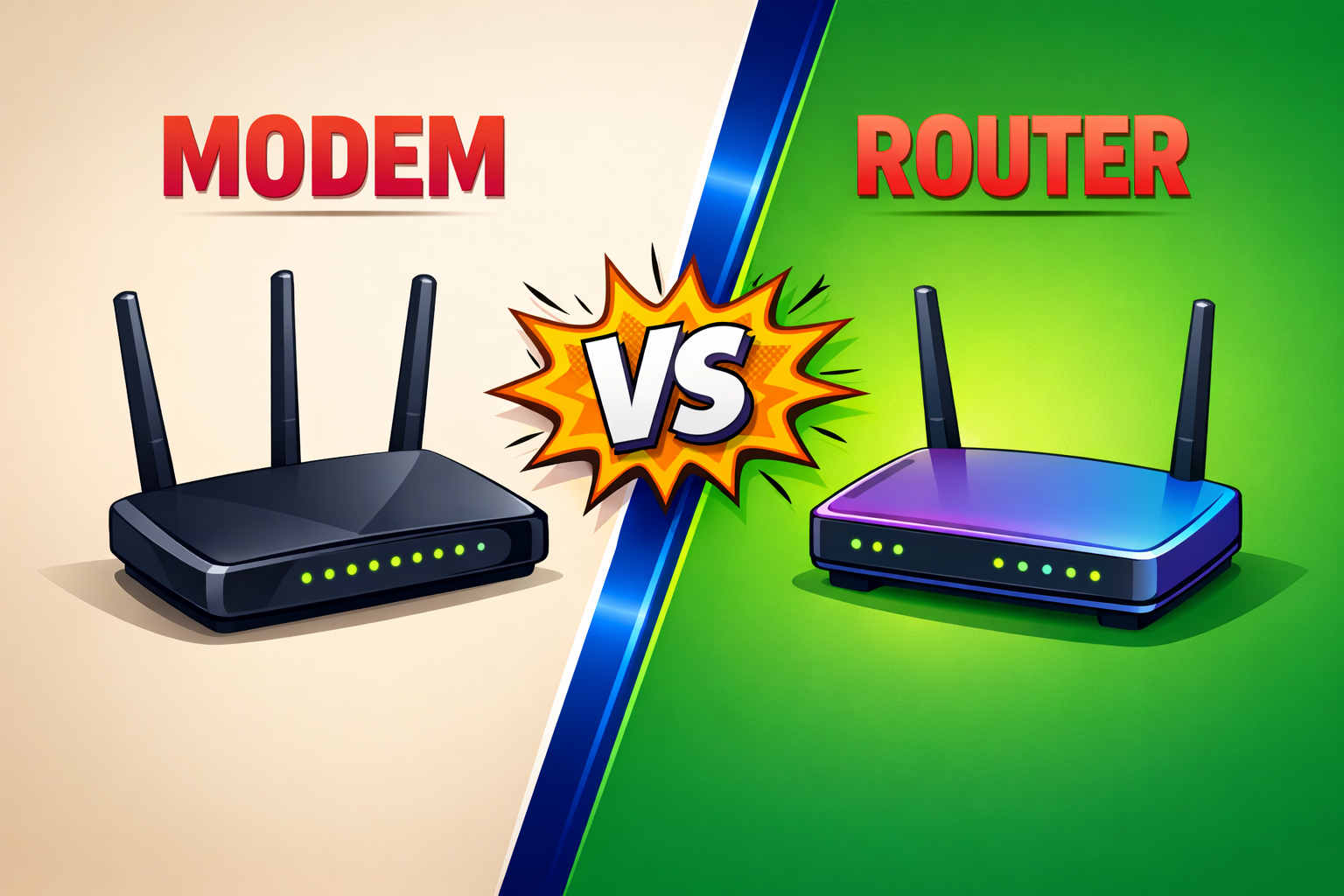
Router vs Modem: Key Differences
Although both devices are essential parts of your internet setup, they perform very different roles.
| Feature | Modem | Router |
|---|---|---|
| Connects to internet service provider | Yes | No |
| Brings internet into home | Yes | No |
| Creates WiFi network | No | Yes |
| Connects multiple devices | No | Yes |
| Required for wired internet | Yes | Sometimes |
| Required for wireless internet | Yes | Yes |
Understanding this distinction makes troubleshooting much easier when internet problems arise.
Do You Need Both a Router and a Modem?
In most home and office setups, yes, both are required. If you want wireless internet across multiple devices, you need:
- A modem to receive internet from your provider
- A router to distribute that connection wirelessly
However, many modern broadband providers use combination devices that function as both modem and router in one unit. These all-in-one devices simplify installation and reduce equipment clutter.
This is common with modern fiber broadband installations, where users receive a single device handling both tasks.
Why This Matters for Internet Performance
Many users assume slow internet automatically means poor broadband speed. In reality, internet issues can come from several different areas, including equipment problems.
Common causes of poor performance include:
- Weak or outdated routers
- Improper router placement
- Modem signal issues
- Hardware limitations
- Incorrect network configuration
Understanding how your setup works helps you identify whether the problem is with the internet connection itself or the hardware distributing it.
Common Questions About Routers and Modems
Many users still confuse WiFi, internet, routers, and modems. Clarifying a few basics can help.
Is WiFi the Same as Internet?
No. Internet is the actual connection provided by your broadband provider. WiFi is simply the wireless method your router uses to distribute that internet to your devices.
Can You Use Internet Without a Router?
Yes, but only through a direct wired connection to a single device. Without a router, you will not have wireless access or the ability to connect multiple devices easily.
Does a Better Router Increase Internet Speed?
A better router can improve WiFi signal strength, range, and stability. However, your maximum speed still depends on the broadband plan and provider delivering the connection.
Choosing the Right Internet Setup
Having the right equipment setup is important, but the quality of your provider matters just as much. For the best experience, users should focus on:
- Reliable fiber broadband infrastructure
- Quality router hardware
- Proper installation and configuration
- Responsive customer support
- Local service reliability
Strong equipment paired with a dependable provider ensures better performance across all use cases.
Upgrade Your Internet Experience with JetSpot
If you are looking for reliable fiber broadband in Bhubaneswar, JetSpot provides high-speed internet solutions designed for smooth connectivity in homes and offices. With modern fiber infrastructure, professional installation, stable WiFi performance, and responsive local support, JetSpot helps ensure your internet setup works efficiently from day one. Whether you need internet for streaming, gaming, remote work, or business operations, JetSpot delivers broadband built for dependable everyday performance. Contact JetSpot today to experience better connectivity with a trusted broadband provider in Bhubaneswar.